
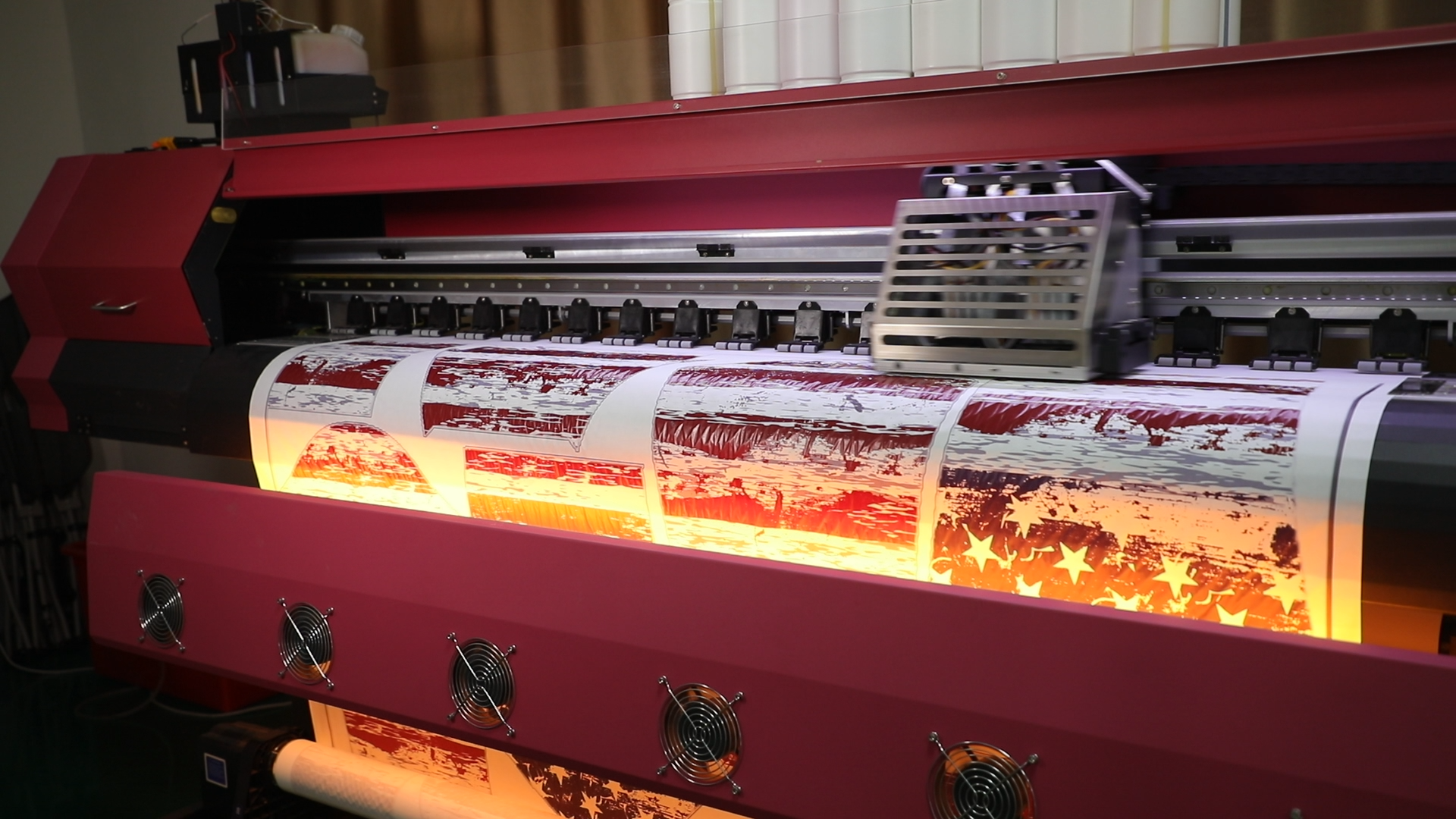
You can maintain consistent quality in large sublimation orders by following clear steps at each stage. First, pick your materials carefully. Then, use equipment that works well and set up a good workflow. If you do not monitor your process, you might encounter issues like color changes, lines from blocked printheads, or blurry images from paper movement. Keep an eye out for signs of moisture problems and marks from ironing. Check frequently and act quickly to prevent these issues and ensure your orders remain at a high level.
Key Takeaways
Pick good materials with the right poly-coating thickness. This helps your prints look bright and last longer.
Check and clean your printing machines often. This keeps the quality the same and stops problems like color changes or clogs.
Test everything before you start making lots of products. This helps you find problems early and make sure your products are good.
Watch your work as you go and check it often. This helps you find and fix problems fast, so your products stay great.
Ask customers and workers what they think. Use their ideas to make your sublimation process better and keep your products the best.
Material Selection
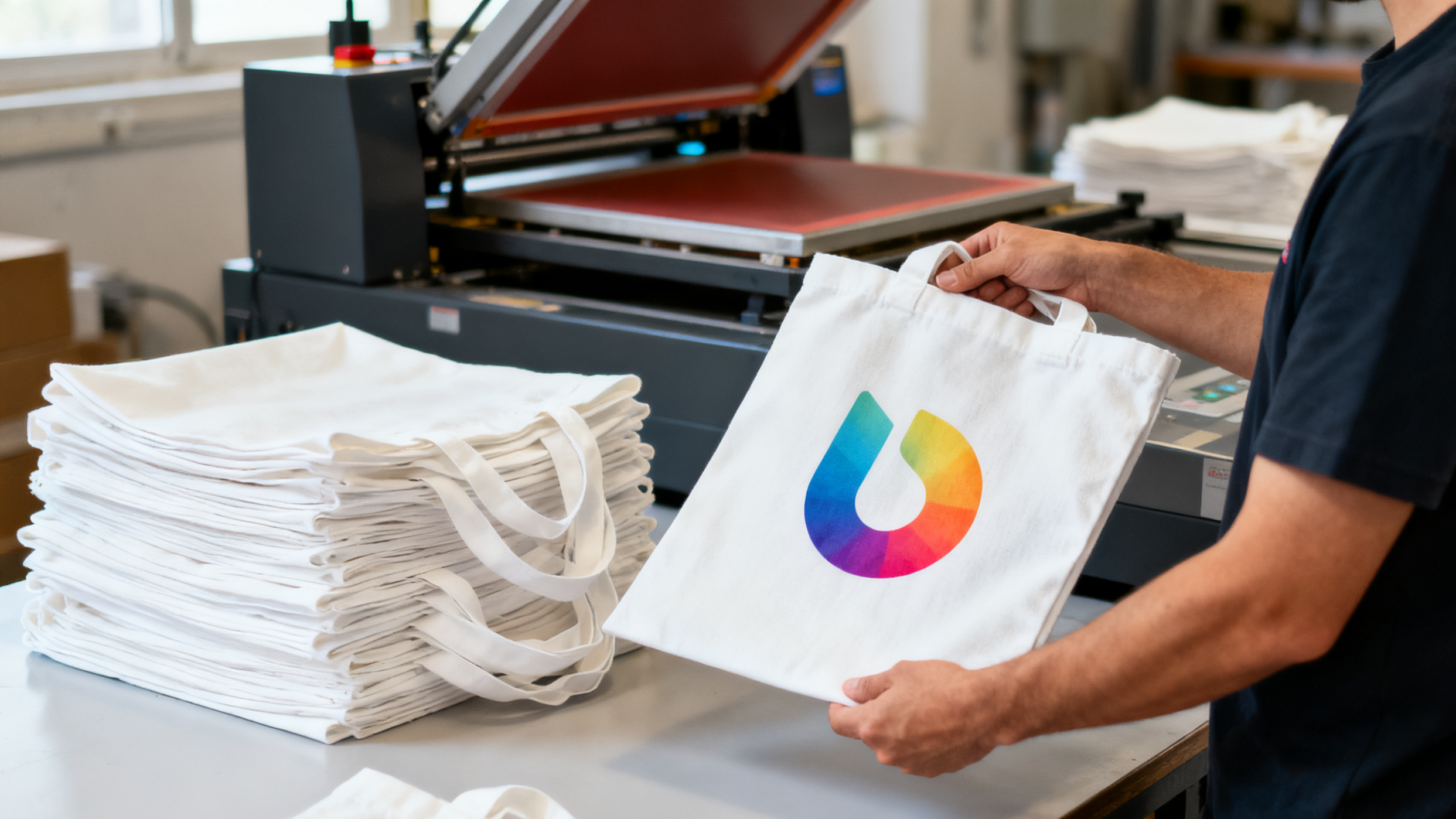
Picking the right materials is very important for good results in large sublimation orders. You must check each blank to make sure it is the right type and in good shape.
Material Quality
Always pick substrates with even poly-coating and strong heat resistance. The poly-coating thickness changes how ink moves and how bright colors look. Here are some things to remember:
The best poly-coating thickness is from 0.5mm to 0.8mm.
If the coating is less than 0.5mm, colors can look dull because the dye does not go in well.
If the coating is more than 0.8mm, you might need more heat, which can hurt the material.
A thickness of 0.5-0.6mm gives bright colors but may not last as long.
A thickness of 0.7-0.8mm is stronger but may need you to change your color settings.
You also need to think about the ink and fabric you use. Different fabrics need different inks. Good ink helps you save materials and keeps prints clear.
Description | |
|---|---|
Ink Quality Selection | Pick a trusted ink brand for good results. |
Adaptation to Different Fabrics | Use the right ink for each fabric to get the best print. |
Precise Control of Printing Conditions | Watch temperature, time, and pressure for the best outcome. |
Color Selection and Adjustment | Handle colors carefully to keep prints bright and steady. |
Maintenance and Care | Take care of printed items so they do not fade or change shape. |
Supplier Reliability
You need suppliers who give you the same quality every time. Good suppliers help you avoid late orders and bad products. When picking a supplier, check these things:
Description | |
|---|---|
On-time delivery performance | Shows if the supplier brings your order when they say they will. |
Defect rate | Tells you how many items have problems when they arrive. |
Lead time variability | Checks if delivery times stay the same or change a lot. |
Cost of quality | Looks at all the costs needed to keep quality high. |
Communication responsiveness | Checks how fast and clearly the supplier answers your questions. |
Tip: Keep notes about how your suppliers do. This helps you see patterns and make better choices next time.
Bulk Blanks Consistency
Always check your blanks before you print. Look for lines, spots, or thin areas. These problems can mess up your prints and waste time. Check a few items from each batch, not just one. If you see problems, tell your supplier right away. This helps you keep your orders looking good every time.
Equipment and Settings
Printer and Heat Press
You need reliable printers and heat presses to achieve consistent quality in large-volume sublimation orders. Your equipment must keep temperature, pressure, and time settings precise for every print. Use an infrared thermometer to check the heat press temperature. Test and calibrate your machines often. Make sure the pressure stays the same for each item. Run wash tests on sample prints to see if the colors last. Write down your best settings so you can use them again.
Set exact temperature, pressure, and time for each job.
Test and calibrate your printer and heat press regularly.
Use tools like infrared thermometers for accuracy.
Keep pressure steady for every print.
Wash test samples to check durability.
Record successful settings for future orders.
Equipment Cleaning
Clean your printer and heat press often to keep prints sharp and bright. If you use your printer a lot, ink flows well and clogs are rare. If you leave it idle, ink can dry and block the nozzles. Run your printer at least once a week. Check the nozzles to make sure they work right. If you see problems, use the cleaning cycle. Follow the manufacturer’s advice for maintenance. Use a mild cleaning solution and a lint-free cloth for the print head. Let it dry before you put the ink back in.
Clean your printer regularly based on how much you use it.
Run the printer weekly to prevent ink from drying.
Perform nozzle checks and cleaning cycles as needed.
Use gentle cleaning solutions and lint-free cloths.
Print Resolution
Choose the right print resolution for your project. For most bulk orders, 540×720 or 720×720 with four passes gives you clear and detailed prints. You do not need very high resolutions for items like sports jerseys that use solid colors. High resolution can slow down production and use more ink.
Tip: Use 300 DPI or higher for detailed designs. Lower resolutions work for simple patterns.
Storage Conditions
Store your sublimation paper in a cool, dry place. Keep it away from sunlight and heavy objects. The best temperature is between 50 and 86 degrees Fahrenheit. Humidity should stay between 45% and 55%. Good storage keeps your paper flat and prevents moisture problems. If you store paper well, your prints will look sharp and bright.
| Storage Factor — Ideal Condition — Impact on Print Quality | |——————-|——————|————————-| | Temperature | 50-86℉ | Prevents warping | | Humidity | 45-55% | Stops moisture damage | | Sunlight | None | Avoids fading | | Weight on Paper | None | Keeps paper flat |
Process Controls
Calibration
You should calibrate your equipment often. This keeps your prints looking the same. Calibration stops color changes and blurry pictures. Here are some steps to help your printer and heat press work well:
Use a color calibration tool to set your monitor and printer.
Follow the instructions from the manufacturer for calibration.
Calibrate your devices often for correct colors.
Run cleaning cycles and check nozzles to stop clogs.
Make sure paper lines up and margins are right before printing.
Change ink every six months.
Clean print heads with filtered compressed air.
Print test pages and color charts to check alignment.
Clean rollers and trays to get rid of paper dust.
Keep extra repair parts ready in case you need them.
Update printer firmware and driver software when needed.
Tip: If you calibrate and take care of your machines often, you will get good quality prints every time.
Standard Procedures
Set clear rules for time, temperature, and pressure for each material. This helps you get the same results every time you print. Use the table below to help you set your machine:
Material Type | Temperature (°F) | Time (seconds) | Pressure Level |
|---|---|---|---|
Soft Fabrics | 350-400 | 150-210 | Medium to Medium-High |
Mugs | 385-400 | 180 | Medium |
Hardboard | 400 | 60 | Medium |
MDF | 400 | 80-90 | Medium |
Plywood | 400 | 60-70 | Medium |
FRP Panels | 380-400 | 60-75 | Medium |
Canvas Tote Bags | 385 | 45-60 | Medium |
Blended Fabrics | 380 | 60 | Medium |
Note: Write down your best settings for each material. This helps you repeat good results next time.
Color Management
Color management helps you match your design colors to your final print. You need a color management system to keep colors steady on different devices. Calibrate your monitor and use ICC profiles. ICC profiles tell your printer how to mix inks for the right colors. This keeps your prints bright and true to your design.
ICC profiles balance ink types and paper for better color accuracy.
They guide your printer to mix inks for the colors you want.
Accurate color management helps you deliver consistent quality to your customers.
Callout: Good color management means your prints look the same every time, no matter how many you make.
Ensuring Consistent Quality
Pre-Production Testing
Start every big sublimation order with careful testing. This helps you avoid mistakes and keeps prints looking good. Use the same fabric and blanks as your full order. Test your designs and colors under bright light. Check color accuracy with a Pantone guide. Wash samples inside-out to see if colors fade or prints wear off. Stretch samples to see if prints crack or peel. Always set your heat press to the right temperature, pressure, and time before starting.
| Best Practice — Details | |—|—| | Selecting the Right Test Fabric — Use the same material as your production run. | | Setting Temperature, Pressure, Time — Calibrate your heat press to 375°F-400°F, 40-75 seconds, medium pressure. | | Testing Design and Color Accuracy — Inspect prints under bright light and compare with Pantone colors. | | Test Washing and Wear Resistance — Machine wash samples inside-out and check for fading. | | Test How Prints Handle Stretching — Stretch samples to 150% of their size to check durability. | | Final Quality Checks Before Mass Production — Make sure samples match your approved specs. |
Tip: Talk to your suppliers if you notice changes in material or print results during testing.
In-Process Checks
Check your prints often during production to keep quality steady. Set a schedule to inspect samples every hour. Look for color changes, streaks, or blurry images. If you find a problem, stop and fix it before you continue. Use different tests for different products, like micro testing or shelf life checks. Think about how your product might change over time and adjust your checks if needed.
| Aspect — Details | |—|—| | Sampling Frequency — Check samples once per hour for large batches. | | Sample Size Concerns — Make sure your sample size matches your total production volume. | | Testing Requirements — Use different tests for different products. | | Risk Assessment — Watch for changes in quality over time. |
Automation helps keep quality steady. Many factories use cameras and AI to check prints in real time. Machines can spot defects and remove bad items right away. This saves time and helps you keep products uniform. Automated systems also give reports about bottlenecks and trends, so you can improve your process.
| Evidence — Description | |—|—| | Transition in QC — Move from manual checks to automated quality control. | | Use of Cameras — Take high-quality images of products to find defects. | | Real-time Analysis — AI checks images and flags problems instantly. | | Robotic Integration — Robots remove defective items automatically. | | Reporting — Get insights on bottlenecks and quality trends. |
Callout: Automation and regular checks help you catch problems early and keep your production running smoothly.
Post-Production Inspection
After printing, inspect your products before shipping. Check the base paper quality. Good wood pulp keeps prints stable and clear. Look at the coating process to make sure it is even. Uneven coating can cause ink to fade or transfer poorly. Check the smoothness of printing. Make sure the paper feeds well and prints are not skewed or blurry.
| Inspection Criteria — Description | |—|—| | Base Paper Quality — Use high-quality wood pulp for stable prints. | | Coating Process — Make sure the coating is even for good ink transfer. | | Smoothness of Printing — Check for clear prints and proper paper feeding. |
Track every step of your quality assurance process. Use traceability tools like RFID tags or barcode scanning. This helps you follow your materials and products from start to finish. Keep records of your inspections and tests. Use manufacturing software to store your data and make audits easier. Regular audits help you find problems and improve your system.
Traceability lets you track raw materials and finished products.
It helps you follow rules and standards like ISO 9001.
RFID tags and barcodes make tracking easier.
Add quality control at every stage.
Use software for traceability and record keeping.
Do regular audits to improve your process.
Block Quote: Statistical Process Control uses charts and data to spot quality issues and measure how well your process works.
Industry leaders use metrics to measure their quality programs. You can track yield, overall equipment effectiveness, supplier quality, and delivery metrics. These numbers help you find weak spots and make your process better.
| Metric — Description — How to Use It | |—|—|—| | Yield — Measures how many products pass on the first try. — Track first-pass yield to find problems. | | Overall Equipment Effectiveness (OEE) — Shows how well your machines work. — Find machines with low OEE and fix them. | | Supplier Quality Metrics — Tracks material quality from suppliers. — Watch defect rates and improve incoming quality. | | Delivery Metrics — Measures on-time delivery and order completeness. — Use data to fix delays and keep customers happy. |
Tip: Good documentation and regular checks help you deliver consistent quality in every order.
Packaging and Shipping
Protective Packaging
It is important to keep your products safe when shipping. Good packaging stops scratches, dents, and moisture. Pick packaging that fits your product’s size and shape. Use strong materials so nothing breaks. Here are some ways to protect your items:
Air pillows help cushion products and fill empty spaces.
Bubble-on-demand wraps protect fragile things with a soft layer.
Packaging foam absorbs bumps during shipping.
Void fill keeps items from moving in the box.
Mailers are good for small, flat products.
Polybags block dust and moisture.
Shrink film holds items together tightly.
Corner boards protect box edges from damage.
Slip sheets separate layers and stop scratches.
Cold seal packaging sticks to itself, not your product.
Honeycomb packaging gives extra strength for heavy items.
Tip: Test your packaging with a sample shipment before sending big orders.
Order Verification
Check every order before you ship it out. Make sure you pack the right items and the right number. Look at each product for good print quality and no defects. Use a checklist to follow each step. Scan barcodes or use order numbers to match products with packing slips. This helps you avoid mistakes and keeps customers happy.
Check the order details.
Look at each item for quality.
Count to confirm the right amount.
Match products to packing slips.
Write down the check for your records.
Callout: Careful checks help you keep quality steady from making to delivery.
Shipping Partners
Pick shipping partners you can trust for big orders. Good partners deliver on time and handle your products with care. Use this table to help you choose:
Criteria | Description |
|---|---|
Product Quality Assurance | Check product quality with clear info on materials and standards. |
Shipping Times and Logistics | Look at shipping speed, choices, and tracking for happy customers. |
Supplier Reliability | Check business history, customer reviews, and how fast they answer questions. |
Talk with your shipping partner about what you need. Ask about tracking, insurance, and delivery promises. Reliable partners help you keep your word and protect your reputation.
Ongoing Improvement
Feedback Collection
You can improve your sublimation process by listening to feedback from customers and your team. Ask your customers what they like about your products and what you can do better. Use surveys, emails, or even phone calls to gather their thoughts. Your team members also see problems and successes every day. Hold short meetings where everyone can share ideas. Write down the feedback and look for patterns. When you act on feedback, you show that you care about quality and want to make your products better.
Tip: Keep a feedback log. Review it every month to spot trends and set new goals.
Staff Training
Your staff plays a big role in keeping your prints looking great. When you train your team often, they learn how to use equipment the right way and manage color settings. This helps you keep high standards, especially when you have a lot of orders. Well-trained staff know how to fix small problems before they become big ones. They also understand how to keep colors bright and prints clear. Ongoing training makes sure everyone knows the latest tips and tricks for the best results.
Callout: When your team knows what to do, you get consistent quality in every order.
Process Updates
You should always look for ways to make your process better. Try these strategies to improve your sublimation results over time:
Learn how colors change during sublimation. Profile your colors to match different fabrics and keep prints accurate.
Adjust your designs to fit each garment. This makes your prints look more natural and appealing.
Decide if you should print in-house or outsource some jobs. This choice can help you keep quality high and meet deadlines.
Review your process often. Small changes can make a big difference in your final products.
You can keep quality steady in big sublimation orders by using simple steps. Watch your production as it happens to find problems fast. This helps you fix things and stay in control. Use random checks and machines to look at prints and packing. These tools help you spot mistakes and make sure everything is right.
Checking all the time helps you fix problems quickly and make your work better.
Purpose | |
|---|---|
Random Sampling | Check some items for quality and find problems. |
Automated Systems for Quality Assurance | Find defects and control colors while printing. |
Spending money on quality control helps you save more later. You stop big mistakes and help your business grow. Use these smart steps to give good results every time.
FAQ
What is the most common cause of color changes in sublimation prints?
You often see color changes when you use the wrong temperature or pressure. Moisture in the paper or fabric can also cause this problem. Always check your settings and keep your materials dry.
How can you prevent ghosting or blurry images during production?
You can stop ghosting by taping your transfer paper tightly to the blank. Do not move the paper after pressing. Use even pressure and the right time for each item.
Why should you test samples before starting a large order?
Sample testing helps you find problems early. You can check colors, print quality, and durability. This step saves you time and money by avoiding big mistakes.
What should you do if you find defects during production?
Stop the process right away. Check your equipment and materials. Fix the issue before you continue. This keeps your whole order at a high quality.